Introduction
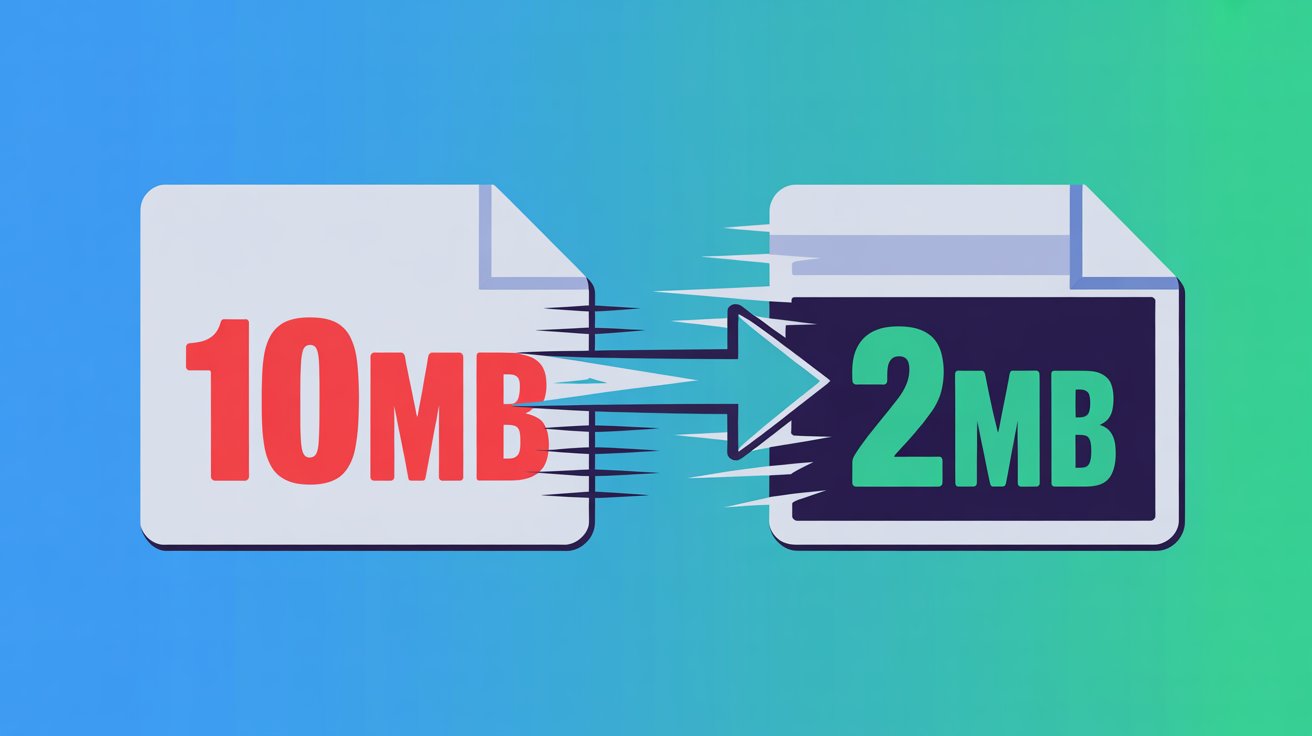
If you have a photo that is too large to upload to a website and is taking up a lot of space, then there is no need to worry. In today's article, I am going to share with you a method that is completely free of cost. You just need to convert your log files to this format with the help of an extension without losing quality. So after reading this one, you can compress any of your files and convert them into a small storage file without disturbing their quality.
Step-by-Step Process
First of all, you need to download an extension tool for Windows. The name of this tool is Image Resizer. It is available in both free and paid versions. You can do all your work with its free option without any hassle. After downloading this tool, you get two options here: one for a single image and one for multiple images, meaning you can convert your single image within this one tool, and if you have many images that you want to convert, then that option is also available here. Remember, both of these options are available in the free version. You simply have to select your picture here, and on the left, you will find a whole area of resize options within which you can compress the image according to your needs. You simply have to select your picture here, and on the left, you will find a whole area of resize options within which you can compress the image according to your needs. And along with this, there is also a percentage option available, with the help of which you can manage your image even more according to your own needs. After adjusting these two options as per your requirements, you must check the aspect ratio option given below so that the quality of your image does not deteriorate. After completing these three things, you have to click on the option above Next. Here you will get a trouser option, after clicking on which you have to select the folder where you want to save your image. Remember, this should be the same folder in which you want to save your converted image. Now, at this stage, all our options are completed, and finally, we have the process option. After clicking on the process option, within a few seconds, your body file will be compressed and saved in a small file without any quality feedback.
Conclussion
With the help of this one tool, you can convert your large files into small files and upload these files to any of your social media platforms, whether you upload them to Instagram, upload them to TikTok, or upload them to any website. These images will provide value to your users everywhere.